
Workload lifecycle
Distinguish a Pod that never schedules, a container that cannot start and a running workload that still fails readiness. Each state calls for a different source of evidence.
A green deployment does not guarantee a reachable application. Learn to follow the cluster evidence from scheduling and health checks through endpoints, policies and traffic.
Study Kubernetes Operations if you work with applications on shared clusters and need to diagnose them under time pressure. The programme concentrates on reading manifests, investigating symptoms with the smallest safe change and proving recovery from a client’s point of view.
Distinguish a Pod that never schedules, a container that cannot start and a running workload that still fails readiness. Each state calls for a different source of evidence.
Follow traffic from a client through service discovery, endpoints and network policy. Use observable state to rule out where a connection can fail.
Identify how storage, resource limits and placement affect the next rollout or node drain. Set constraints that allow maintenance without giving up the availability target.
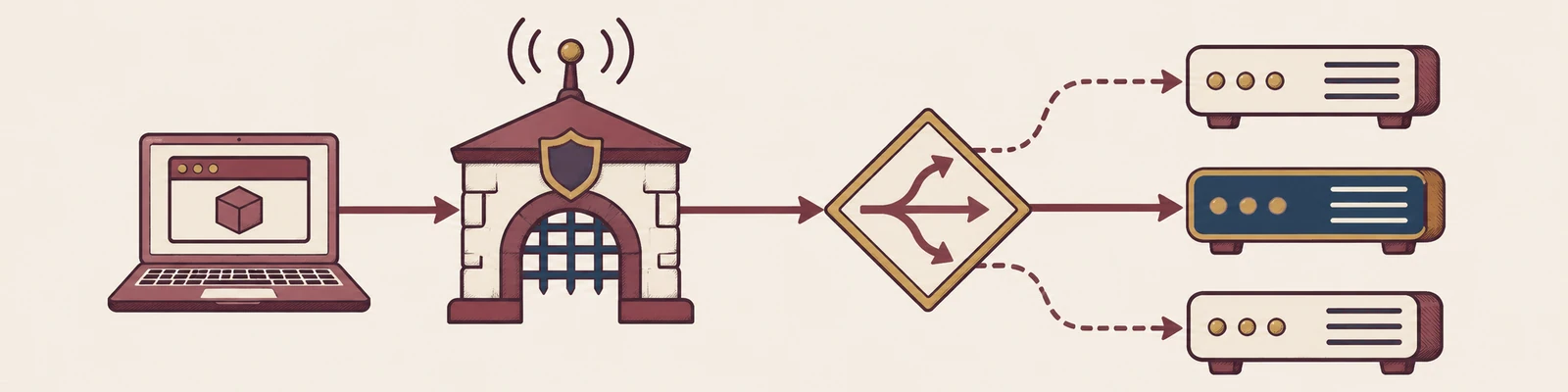
Make a first decision from the facts given, then compare your reasoning with the worked answer.
Continue with a sample lessonThree Pods are Ready with the label app=payments. The Service selector is app=checkout and there are no usable EndpointSlice endpoints. The application previously ran under a different label.
Compare the Service selector with the intended workload’s current Pod template labels. If the Service should serve payments, align the selector with that label after confirming there are no unintended matches. Check EndpointSlices, then make an application-level request through the Service from an authorised client.
You should be able to read YAML, use a command line and explain basic container and TCP/IP concepts. Familiarity with kubectl helps when working through the operational exercises.
Choose Kubernetes Operations when you want to diagnose and repair workload state. Choose Cloud Architecture for design decisions about where the overall service and its dependent data stores run.
Compare all programmes6 modules with an estimated 40 hours of self-paced study. The optional qualification is assessed through cluster scenario and manifest repair.